

.png)
Data Classification 101: Not All Information Is Created Equal

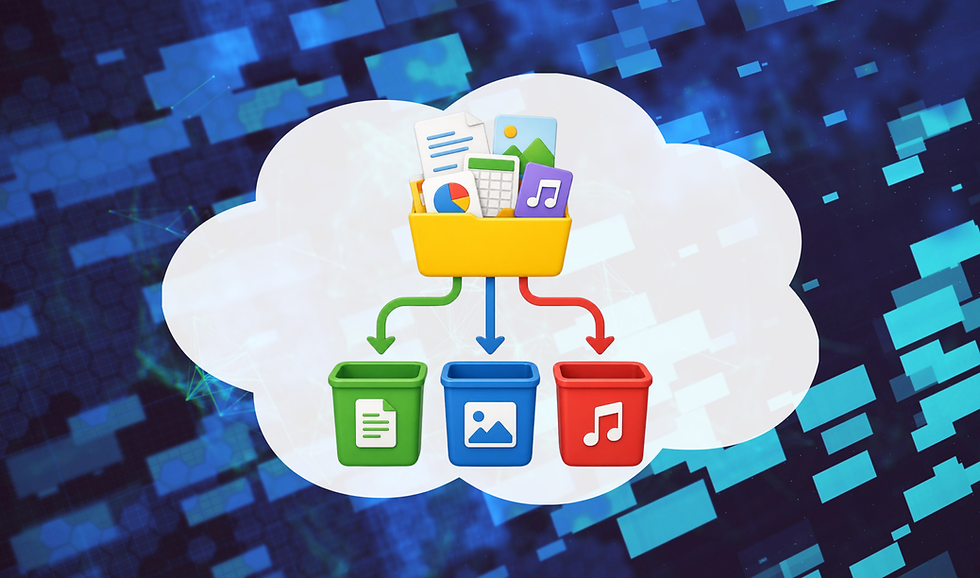
You probably handle dozens of different types of information every day.
Some of it is as benign as an office lunch menu, while other information is more confidential, like a customer spreadsheet or an internal presentation. Sometimes it’s as sensitive as a customer’s or employee’s Social Security number.
They’re all “data,” but they certainly shouldn’t all be treated the same way. That’s the idea behind data classification.
Organizations classify information based on its sensitivity and what could happen if the wrong person accessed it. Understanding those classifications helps you know what you can share, where you can store information, and how carefully you need to protect it.
What Is Data Classification?
Data classification is simply the process of organizing information into categories based on its sensitivity and importance.
Your company’s exact categories may be different, but a common classification system looks something like this:
Public: Information that anyone can see, such as published marketing materials or information already available on the company’s website.
Internal: Information intended for employees but not necessarily the general public, such as internal announcements, procedures, or meeting notes.
Confidential: Sensitive business or personal information that should only be available to authorized people. This may include customer records, contracts, financial information, and employee records.
Restricted: Highly sensitive information requiring the strongest protections. Depending on your organization, this could include Social Security numbers, payment information, Protected Health Information (PHI), passwords, or other regulated data.
The terminology isn’t as important as understanding what each classification means at your workplace.
Why Does the Label Matter?
Imagine someone hands you a folder labeled CONFIDENTIAL. You probably wouldn’t leave it sitting on the table in a local coffee shop.
Digital labels should trigger the same reactions and safeguards. Therefore, data classification helps determine what you can do with your information. For example, you may be able to send public documents to an email outside the company without consequence. On the other hand, a confidential customer record may need to stay inside an approved system.
This makes data classification a key part of cyber compliance.
Privacy laws and industry regulations often require organizations to protect certain types of information. You can only protect sensitive data effectively if you know what's sensitive in the first place!
How Is Information Classified?
Organizations can classify information in several ways. Sometimes the person creating a document chooses a classification label. You might see options such as Public, Internal, Confidential, or Restricted when saving or sharing a file.
Organizations can also use automated tools that recognize certain types of sensitive information. For example, security software may detect patterns resembling Social Security numbers or payment card information and automatically apply the correct protections.
Some systems use tags or metadata behind the scenes to determine how they should handle certain information.
These methods can work together. Technology may help identify sensitive information, but employees still need to understand what they’re working with.
Classifications Should Change How You Handle Data
This is where data classification becomes useful. Suppose you’re working with a spreadsheet containing customer names, addresses, and account information. If that spreadsheet is classified as confidential, that label should affect what happens next.
Can you email this document?
Should you upload it to a file-sharing website?
Can you print it?
Can you save it to a USB drive?
Can you send a screenshot of it through Teams?
The answer depends on your organization’s policies. Don’t assume that just because you have permission to view information, you automatically have permission to store or share it however you want, too
Don’t Remove or Ignore Labels
Classification systems only work when we actually use them. If a document is marked confidential, don’t remove the label just because it makes sharing the file inconvenient. Likewise, don’t intentionally move sensitive information somewhere else to get around a restriction.
Remember: Those protections are there for a reason.
If you believe something has been classified incorrectly, then ask the appropriate person to review it rather than changing it yourself.
The opposite problem can happen, too.
You may come across a document containing obviously sensitive information that doesn’t have a classification label. By the same token, no label doesn't automatically mean the data doesn't require additional protection.
When in doubt, treat the information cautiously and ask.
Classification Isn’t Permanent
Information can change over time.
For example, a financial report may be highly confidential before its public release and much less sensitive afterward. An internal project may eventually become a public announcement.
Regulations, company policies, and business needs can change as well. That’s why organizations need to review their classification policies regularly instead of creating them once and forgetting them.
As an employee, your job is much simpler: Pay attention to the current classification and follow the rules associated with it.
Make Classification Part of Your Routine
You don’t need to become a data privacy expert. You just need to develop the habit of recognizing what kind of information you’re handling.
Before storing, sending, printing, or sharing something sensitive, ask yourself:
What type of information is this?
How is it classified?
Who is allowed to access it?
Am I using an approved method to share or store it?
Am I giving someone more information than they actually need?
If you don’t know the answer, then stop and ask before moving the data.
Conclusion
Data classification may sound like something that belongs in an IT policy manual, but the idea is incredibly simple: The more sensitive the information, the more carefully you should handle it.
Labels such as Internal, Confidential, and Restricted aren’t meant to complicate your work. They tell you how much protection that information requires, and what you need to do when handling it. Pay attention to those labels, use approved systems, and never assume that access means permission to share.
Knowing what you’re handling is the first step toward protecting it properly!

Comments